Sticker Text
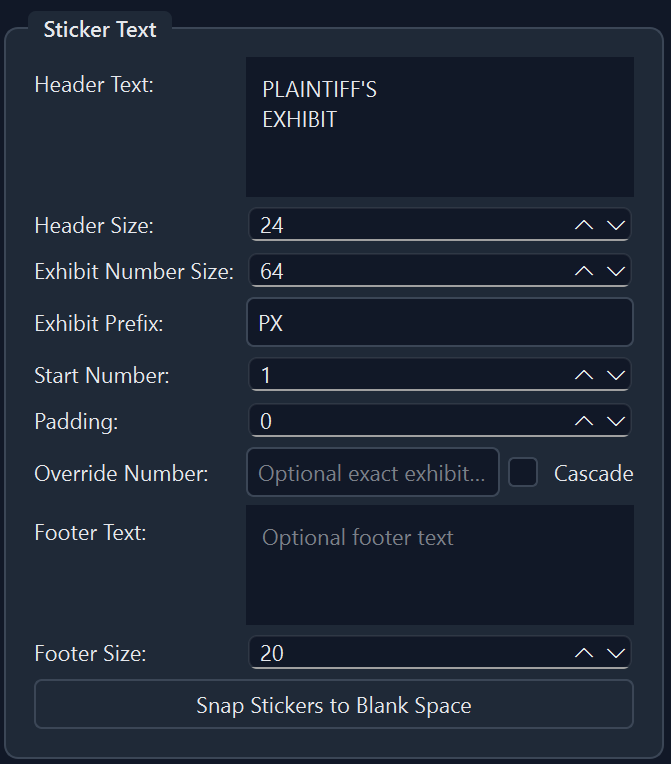
Fully customize your sticker to fit the needs of your case. Use the 'Snap Stickers to Blank Space' button to automatically have your stickers placed where they won't overlap text or images.

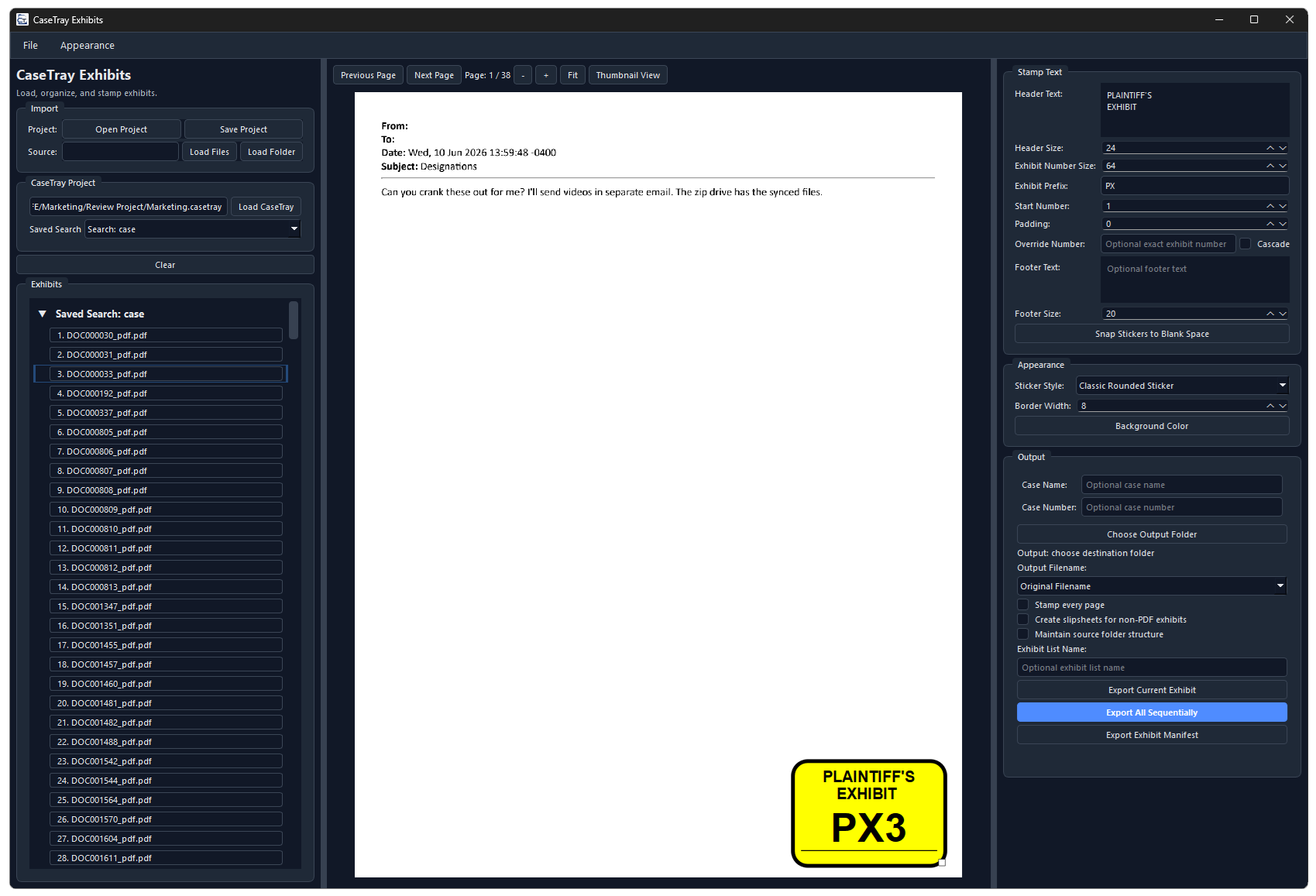
Sticker trial exhibits with an intuitive click and drag interface. Customize the header text, footer text, color and style of your exhibit stickers. Apply the size and/or position of one sticker to all stickers, or reposition and resize individual stickers to fit specific exhibits. Exhibits can receive sequential numbering, or you can apply special numbering configurations to only specific documents. CaseTray Exhibits will even automatically snap your exhibit stickers to a blank space on the page.
Fully customize your sticker to fit the needs of your case. Use the 'Snap Stickers to Blank Space' button to automatically have your stickers placed where they won't overlap text or images.
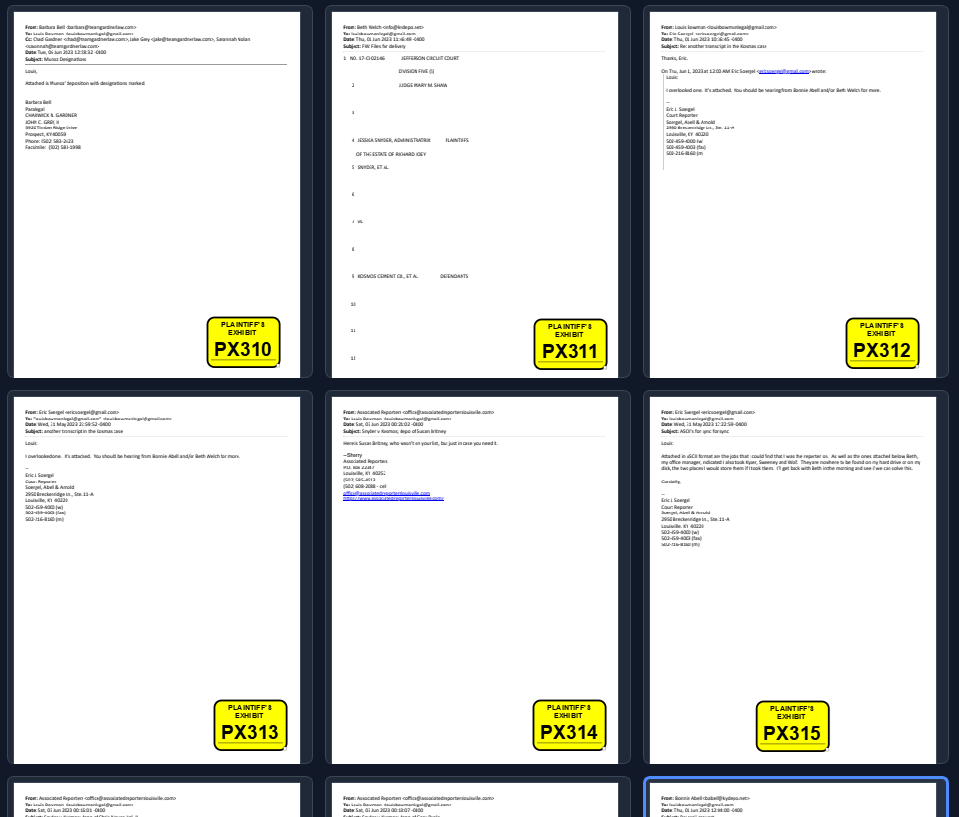
Scroll the thumbnail view where you can reposition and resize individual stickers, as well as copy and paste one stickers properties to another.
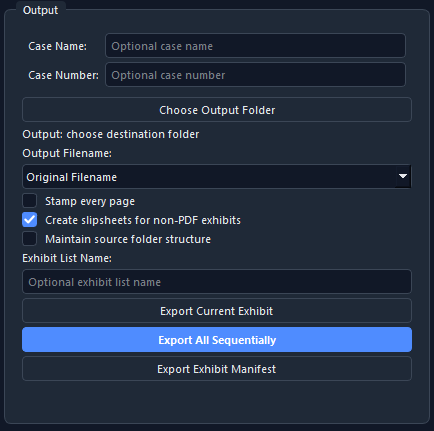
Rename your exhibits to match their place in the sequence. Export an exhibit manifest to use for quick reference at trial.